
macOS · Apple Silicon / Intel
Tryva Desktop · Latest stable release
Developer ID Application signing
Apple notarization and stapler validation
DMG / ZIP SHA256 validation
Installers from the official stable release
DOWNLOAD · MACOS
Choose the installer for your Mac chip, then check the installation guide and version differences.
macOS · Apple Silicon / Intel
Tryva Desktop · Latest stable release
TRYVA DESKTOP
Choose the installer for your Mac chip.
v4.1.1 · 367.0 MiB
Download DMGSHA-256: 693c20edf1d661107ca8b1dc6f57a3072457edd73d3e8a58f406d7469a3cfe16384,875,409 bytes
v4.1.1 · 385.8 MiB
Download DMGSHA-256: a2026f01ba789ff91fb0a446975398f545a81f7b33293db4af03a08b72c91d66404,543,283 bytes
Sign in with your Tryva account after installation. Product spaces and features depend on your account access.
Official GitHub release · Signed and notarized · Minimum macOS 12.0 · Release notes
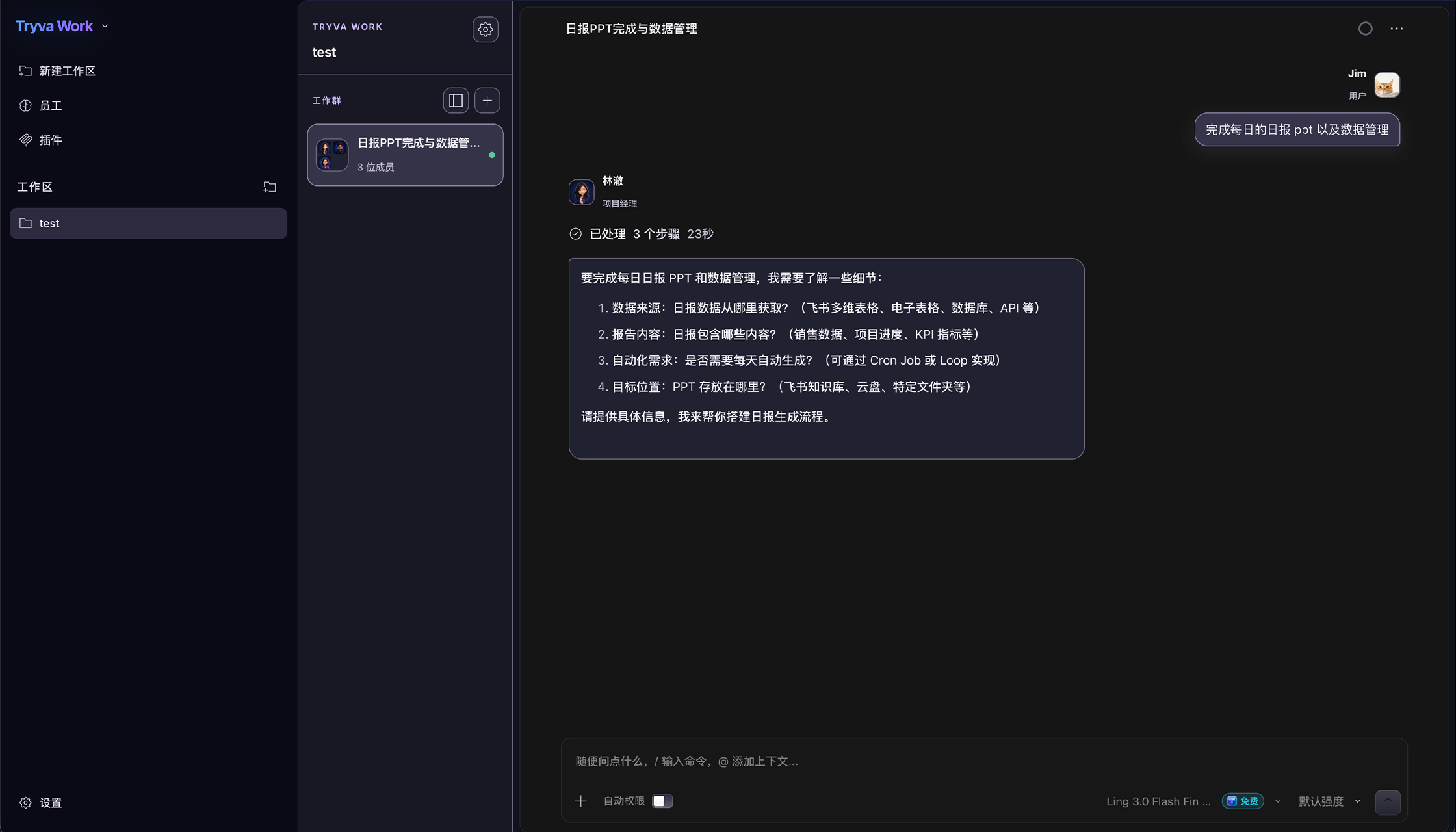
Tryva Desktop · Latest stable release
The download section checks official release availability for your platform. If the installer is being prepared, check back later. When one is available, follow the quickstart guide to install it.
Read the installation guide