
QUICKSTART
Tryva Quickstart
One Tryva Desktop for Chat, Work, and Finance as needed. Start with one small, clearly defined task.
Download and installation
- Choose your Mac chip type on the download page and check that an official installer is available.
- Open the downloaded DMG, drag Tryva into Applications, and launch it from Applications.
- Follow the app’s sign-in prompts. Visit technical support if you need help installing.
Start your first task
- Open Chat and choose an available model.
- Describe your goal, relevant context, and expected result, then send your first message.
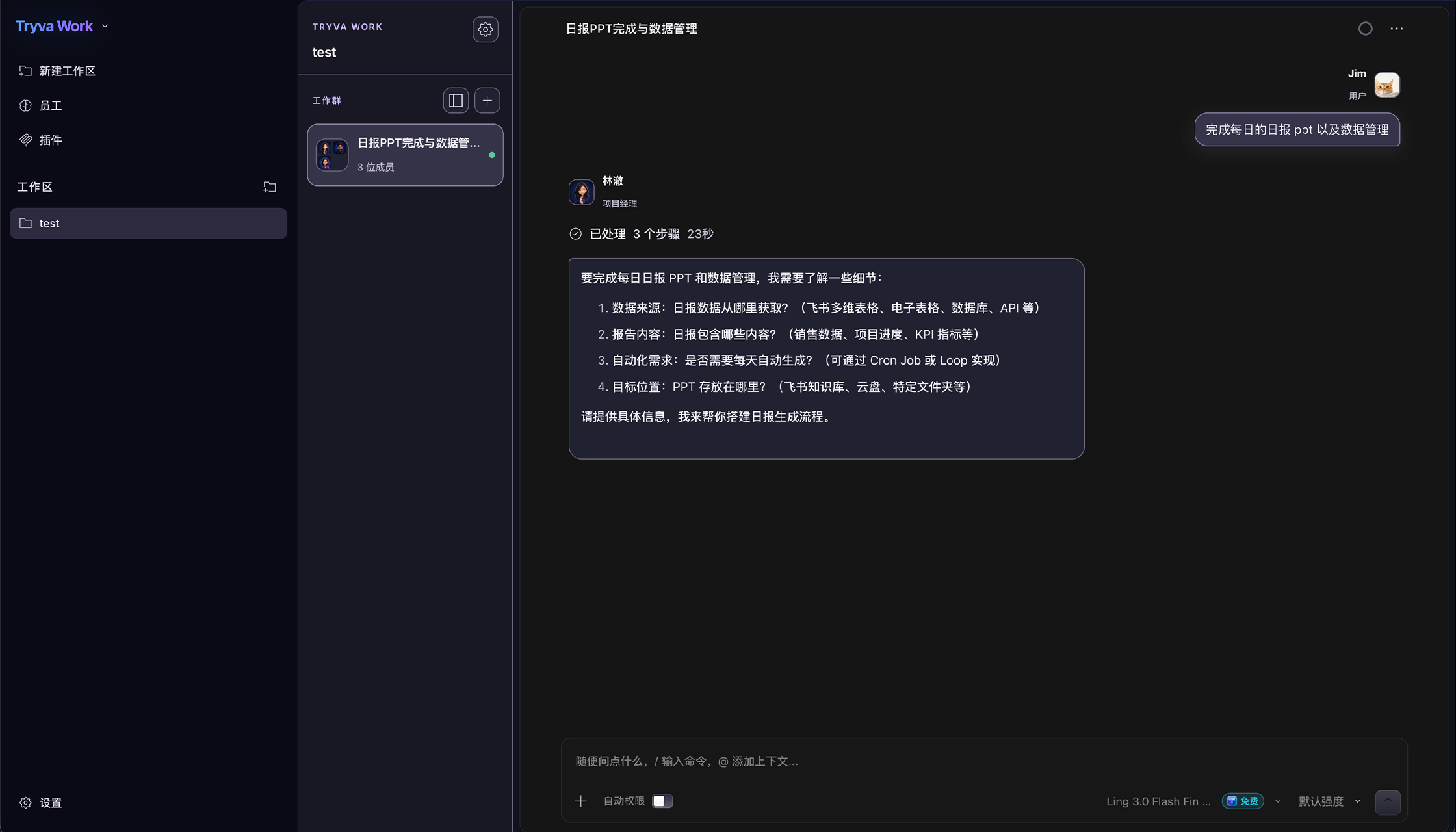
- Work and Finance are enabled according to account access, with separate conversations and professional materials.
Model sources
- Start with the available models shown in the app; free-model availability follows the current app status.
- Users can also connect an OpenAI-compatible model service, OpenRouter, Ollama, LM Studio, or an existing OAuth option.
- Third-party models may charge separately. Check the provider’s pricing before use.
Grant access as needed
Computer Use and Chrome Use on macOS require clear permission prompts, diagnostic checks, and deliberate user configuration.